
This feature adds a second layer of security, ensuring that even if someone knows your password, they can’t access your account or authorize transactions without your explicit approval.
Imagine you’re about to send cryptocurrency through your DMaple wallet.
Here’s how 2FA protects your transaction:
Login Step
- You log in to your DMaple account using your username and password.
- As an added step, the system prompts you to enter a one-time code generated by the Google Authenticator app on your phone.
Transaction Step
- When you initiate a transaction, DMaple asks you to confirm the transfer.
- To complete the process, you’ll need to enter another code from Google Authenticator.
- This dynamic code changes every 30 seconds, ensuring it can’t be reused or guessed.
Without this code, no one—not even someone with access to your account credentials—can authorize transactions or access your funds.
To use 2FA, you’ll need to download the Google Authenticator app, available for both iOS and Android devices. Setting it up is quick and simple:
Download the App
- Go to the App Store (iOS) or Google Play (Android) and search for Google Authenticator.
- Download and install the app on your smartphone.
Link Your DMaple Account
- Log in to your DMaple account and navigate to the security settings.
- Select Enable Two-Factor Authentication.
- A QR code will appear on your screen.
Scan the QR Code
- Open the Google Authenticator app and scan the QR code displayed in your DMaple account.
- The app will generate a unique, time-sensitive code linked to your account.
Enter the Code
- Enter the code from Google Authenticator into DMaple to verify the setup.
That’s it! Your DMaple account is now secured with 2FA.
Download Google Authenticator, link it to your DMaple account, and enjoy the peace of mind that comes with knowing your transactions are secure.


New at DMaple Blog

The Hidden Cost of Running a Small Business
A contractor finishes a project for a company overseas. The payment is sent, the invoice is marked as paid, and the work is done.
Learn more
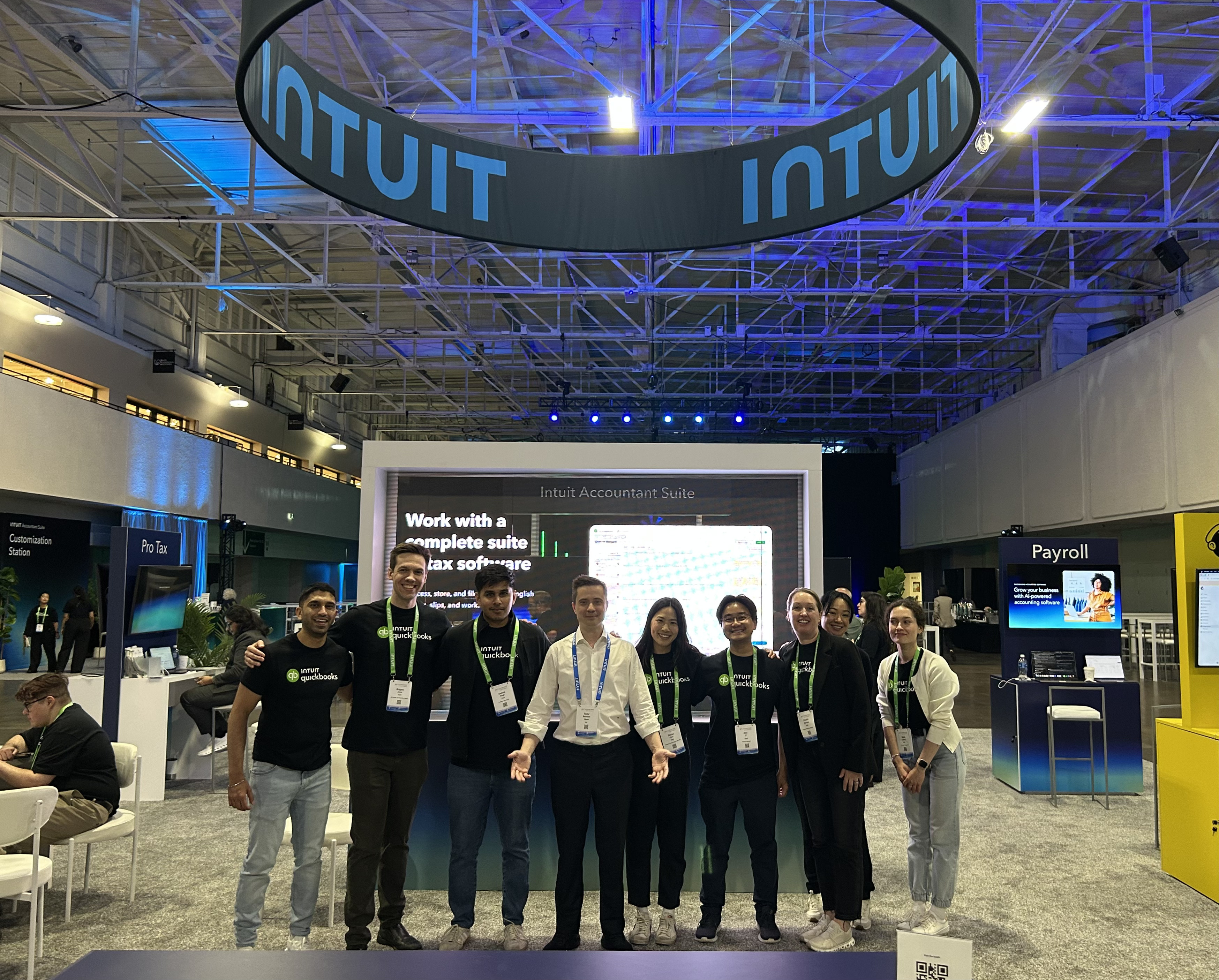
DMaple at Get Connected by Intuit QuickBooks 2026
On June 17–18, DMaple participated as an official sponsor of Get Connected by Intuit QuickBooks in Toronto.
Learn more
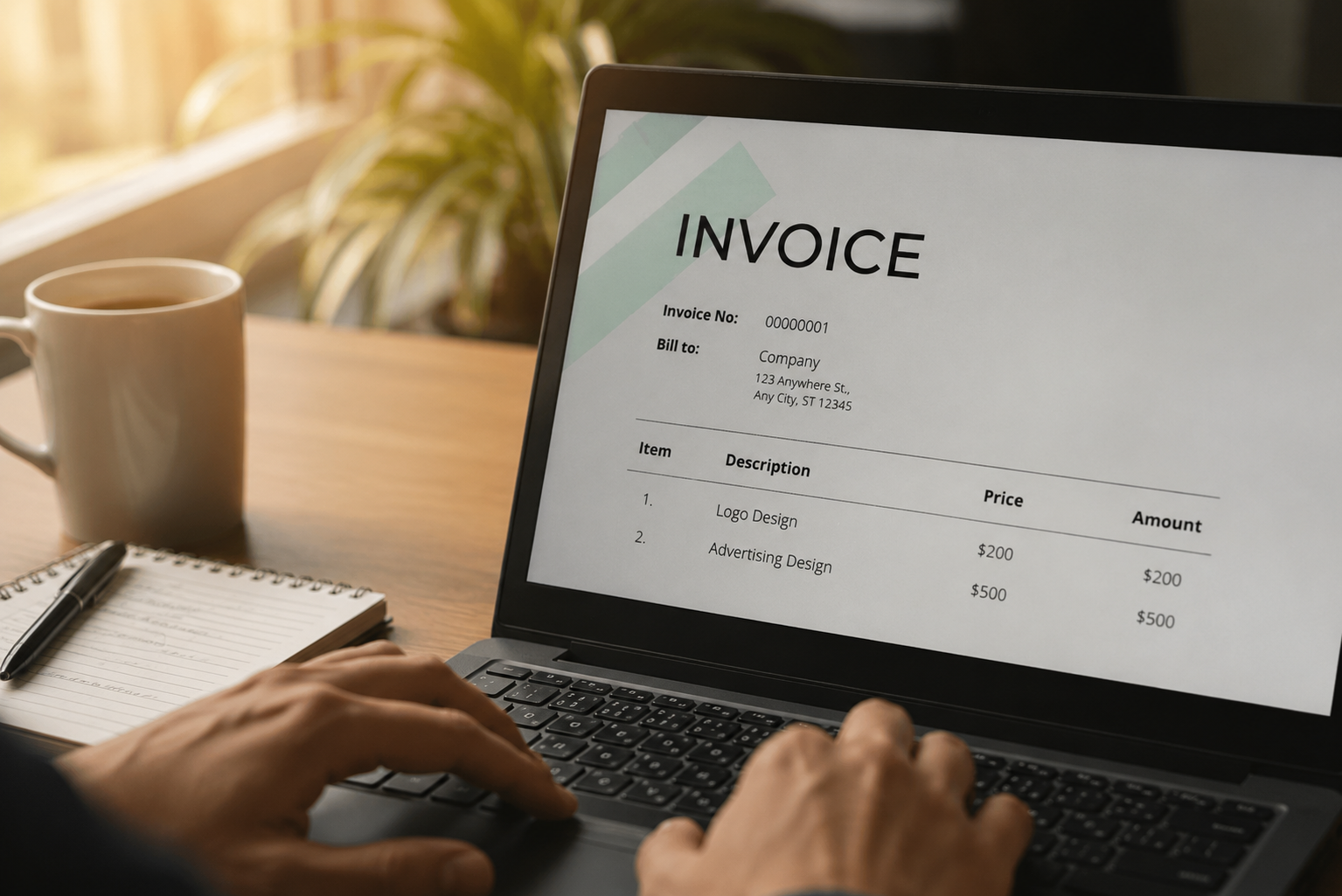
Your First Payment From An International Client: What To Agree On Before You Invoice
You've agreed on the project. The scope is clear, the timeline is set, and the client is ready to start.
Learn more